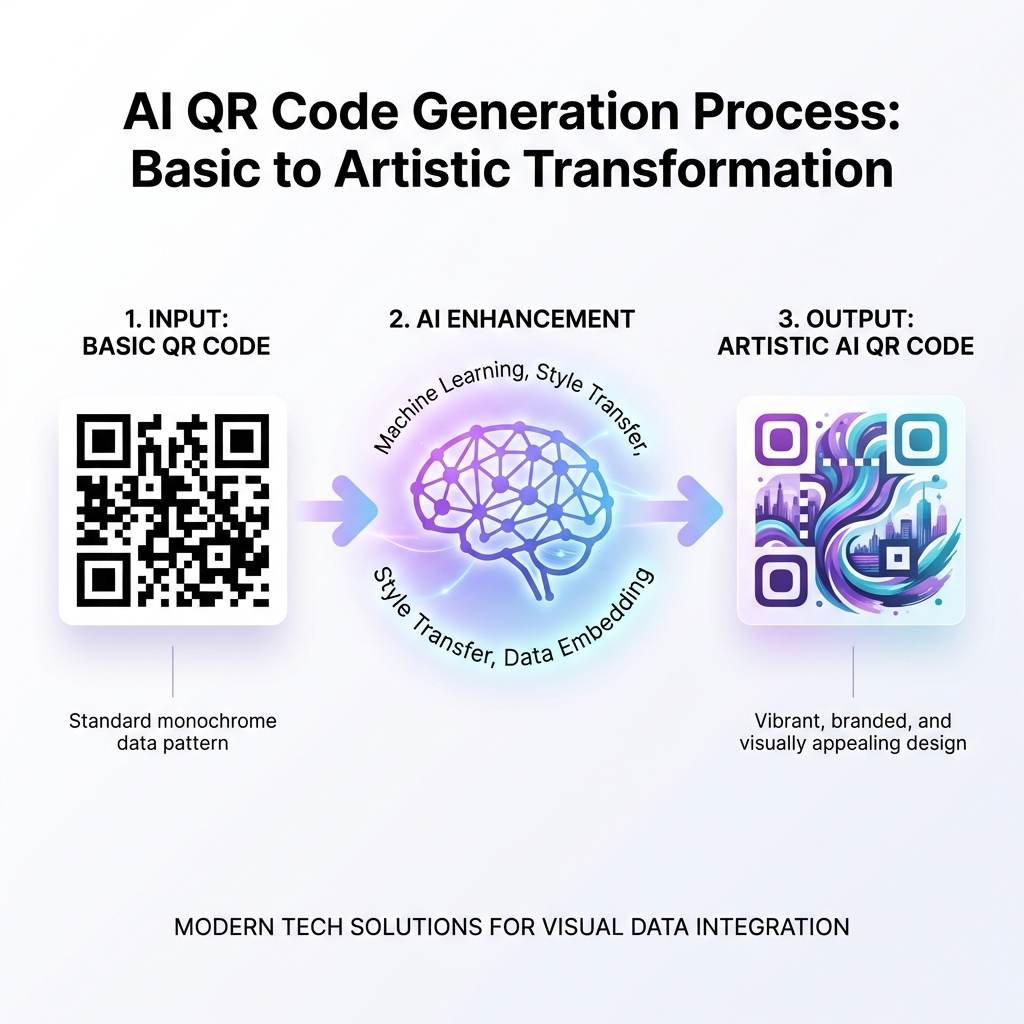
A well-designed QR code can increase scan rates by up to 80%. Here's everything you need to know about creating QR codes that look amazing and work perfectly.
The Fundamentals of QR Code Design
Before diving into aesthetics, remember that a QR code's primary function is to be scannable. Every design decision should enhance—not hinder—this core functionality.
Color Theory for QR Codes
Contrast is King
The most important rule: maintain sufficient contrast between foreground and background colors. The dark modules should always be significantly darker than the light areas.
What Works:
- ✅ Dark blue on white
- ✅ Black on light yellow
- ✅ Dark purple on light pink
- ✅ Deep green on light cream
What Doesn't Work:
- ❌ Yellow on white (insufficient contrast)
- ❌ Light blue on light gray
- ❌ Neon colors on each other
- ❌ White on any dark background (inverted)
Gradient Colors
Gradients can look stunning but use them carefully:
- Keep both ends of the gradient dark
- Avoid gradients that pass through light colors
- Test thoroughly—some scanners struggle with gradients
Choosing the Right Dot Style
Modern QR codes support various dot (module) styles:
- Square - Classic, maximum compatibility
- Rounded - Softer, modern look
- Dots - Contemporary, artistic feel
- Classy - Elegant, professional appearance
Corner Design Options
The three position markers in the corners can be customized too:
- Match them to your dot style for consistency
- Use contrasting colors for visual interest
- Keep them clearly distinguishable from the data area
Frame and Call-to-Action
Adding a frame with a call-to-action can significantly increase scan rates:
- "Scan Me" - Simple and direct
- "Scan for Menu" - Context-specific
- "Get 20% Off" - Value proposition
- "Learn More" - Curiosity driver
Size Guidelines
Print size matters more than you think:
| Use Case | Minimum Size | Recommended |
|---|---|---|
| Business Cards | 2×2 cm | 2.5×2.5 cm |
| Flyers | 3×3 cm | 4×4 cm |
| Posters | 5×5 cm | 8×8 cm+ |
| Billboards | 30×30 cm | 50×50 cm+ |
Rule of thumb: The QR code should be at least 1/10th the scanning distance.
Quiet Zone (White Border)
Always maintain a white border around your QR code—this is called the "quiet zone." It should be at least 4 modules (small squares) wide. Never crop or eliminate this border!
File Format Selection
Choose the right format for your use case:
- SVG - Best for print (scales infinitely)
- PNG - Good for digital use
- JPG - Avoid if possible (compression artifacts)
Testing Before Launch
Always test your designed QR code:
- Print a test at the intended size
- Scan from various distances
- Test in different lighting
- Try multiple devices and scanner apps
- Have others test it too
Design Your Perfect QR Code
Ready to create a stunning QR code? Our AI-powered generator applies all these best practices automatically. Choose your colors, add your logo, and download a professional QR code in seconds!